What Changed
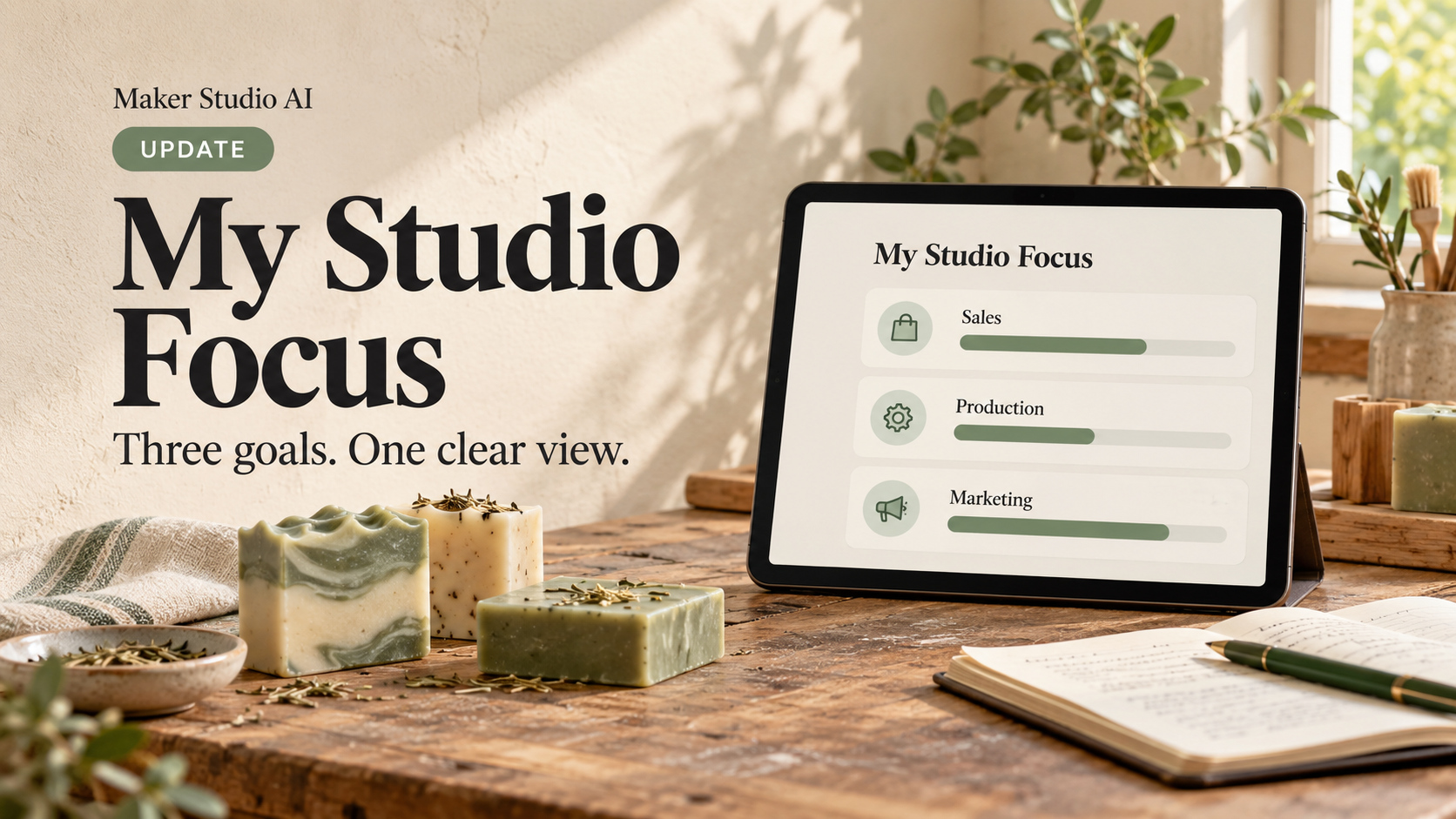
My Studio Focus keeps studio priorities on the Dashboard.
Before: Sales, expenses, production, marketing, and personal priorities lived in separate areas, so outcomes could slip out of view.
Now: Keep up to three active goals together. Automatic progress uses records already in your studio—never a forecast or a new calculation.
Pick the Goal That Fits
- Recorded sales: “Record $2,000 in October sales.” Optionally focus on one sales channel.
- Orders: “Record 30 orders this month.” A channel can be selected here too.
- Expense ceiling: “Keep October operating expenses at or below $600.” The bar shows the ceiling used.
- Completed batches: “Complete 12 batches this month.”
- Production units: “Produce 250 units before the holiday show.”
- Published marketing: “Publish 8 marketing pieces this month.”
- Manual milestone: use a checklist, percentage, or done/not-done update for wholesale outreach, show prep, or sample sending.
Create and Review a Goal
- Open your Dashboard and find My Studio Focus.
- Select Add goal, choose a category, name the outcome, and set a target and dates.
- Choose a primary focus and add up to two supporting goals.
- Use the next-action button to open the related area, or update a manual milestone.
- Complete, pause, resume, or archive a goal as your focus changes; add a reflection.
Ask Trace About Your Focus
Trace can report your active-goal value, target, status, period, counted records, and completion definition. Ask: “How am I doing on my sales goal?”, “Which goal needs attention?”, “What is my production goal measuring?”, or “Do I have any goals ready to complete?”
Trace does not create or change goals, forecast results, or invent progress. If you have not created a goal or matching records yet, it will say so plainly.
Manage your soap business in one place
Maker Studio AI connects your recipes, batches, inventory, shows, sales, and marketing — built for handmade product makers.
Explore Paid Plans →